
- Open your Web Browser: Launch a web browser (e.g., Chrome, Firefox, Safari).
- Enter Your Website’s URL: Type the address of your WordPress website into the address bar. For example, “www.yourwebsite.com/wp-admin“.
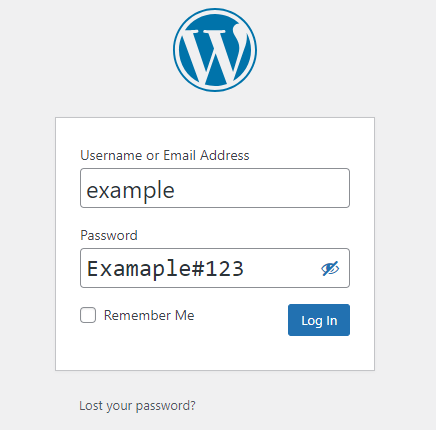
- Access the Login Page: Press Enter. This will take you to the WordPress login page where you can enter your login credentials.
- Enter Username and Password: Input your username and password into the designated fields.
- Click ‘Login’: After entering your credentials, click the “Login” or “Sign In” button to access the dashboard of your WordPress website.
Once logged in, you’ll have access to your WordPress dashboard, where you can manage your website, create new content, customize its appearance, and perform various other administrative tasks.
For Log Out :
Dashboard right top side your username you can seen & move your mouse point on your username and click on logout.


